
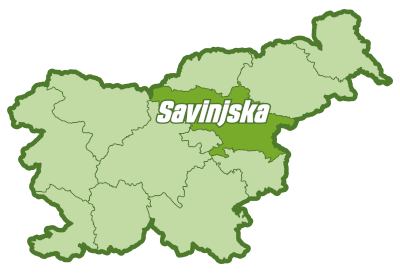
Sights, photographs, routes, local providers and events are now connected in one view. Explore Savinjska on the map, open the details and take your selection with you on your phone.
In this article
Everything in one place
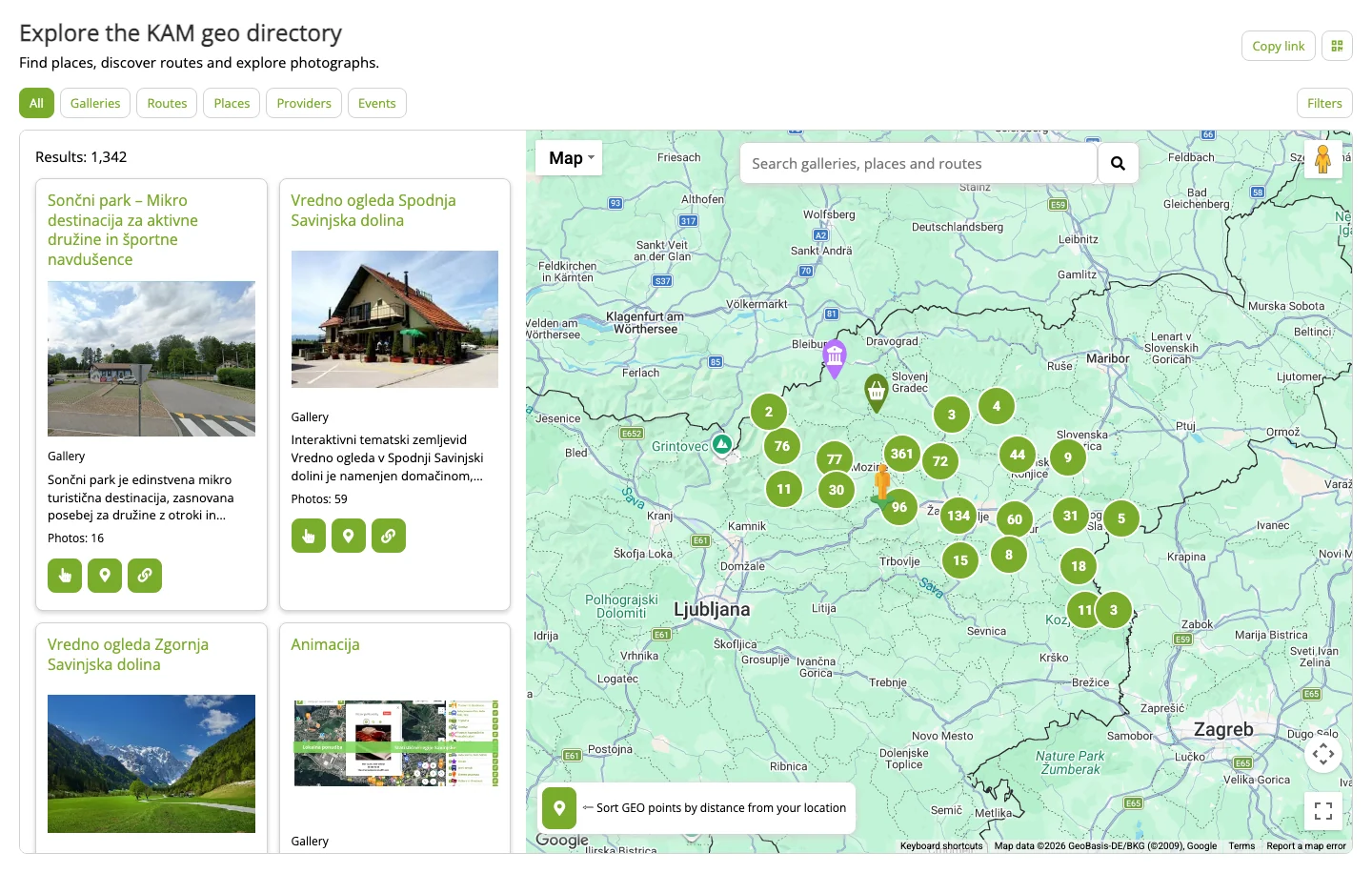
Start with All, or choose what interests you: Galleries, Routes, Places, Providers or Events. Cards with photographs, titles and short descriptions help you decide what to open. Select Show more to browse further results.
Opening a card brings up its details beside the map. You can then explore its gallery, a connected route or other linked content. Use Back to return to your previous selection. Even after opening several places in a row, you can keep exploring within the same view.
Find something that interests you
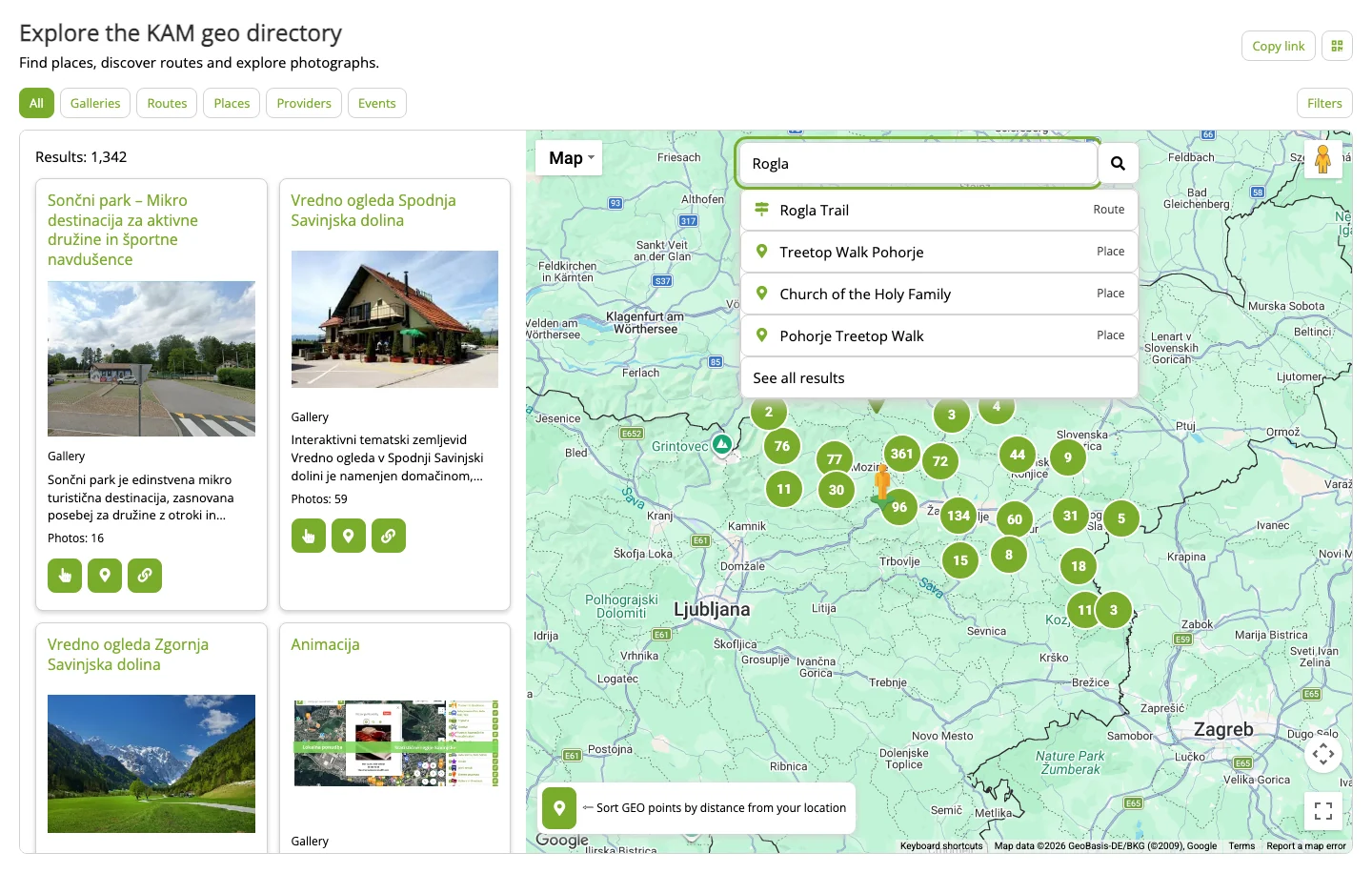
Enter a place, route name or topic in the search box. Suggestions appear as you type, with labels showing the type of content. Choose one to open it directly, or see all matching results.
Open Filters to choose keywords and, for providers, a category. Sort results by name or distance. To start again, select Clear filters: your selections are removed and the full overview returns.
See what is nearby
Use your location to see distances and explore nearby places first. You can also set a starting point manually when planning a visit elsewhere.
For a place, the displayed distance is straight-line distance. For a gallery, it is the distance to its nearest point; for a route, it is the distance to the start. These are different from driving or walking distances. Select a map marker to open information, then use the navigation button for directions.
Get to know a route before setting off
Zoom into the map to see route previews. On a computer, moving the pointer over a route highlights it and shows the available information. Select the line to open its details, just as you would from a card.
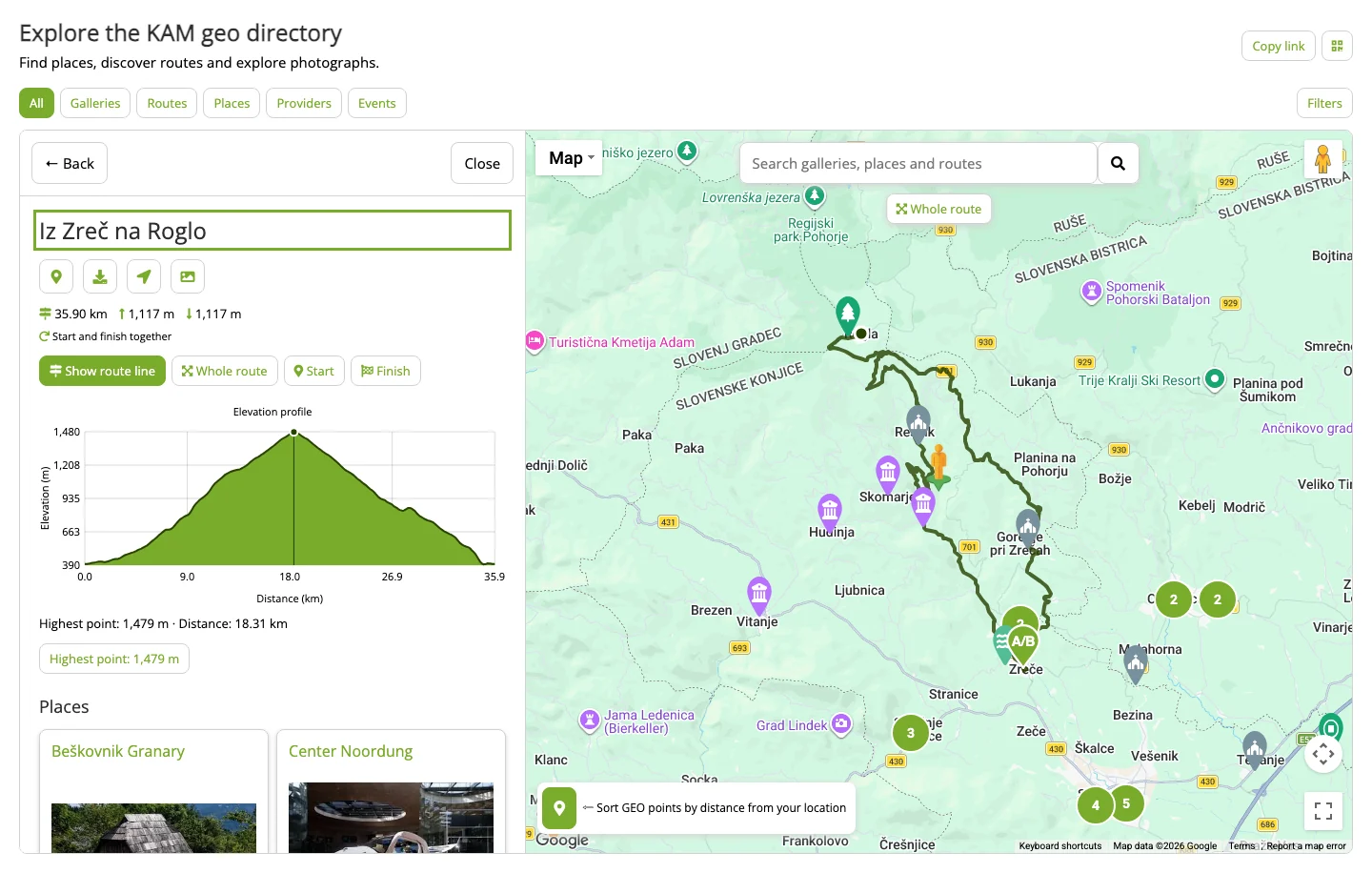
For example, open Iz Zreč na Roglo, from Zreče to Rogla, to see distance, ascent, descent and an elevation profile. Moving across the profile shows the matching point on the map. The Start, Finish and Whole route buttons help you orient yourself. You can also download the route for a compatible navigation app or device.
Explore a place and its local offers
Open photographs in a larger view and move through them with the arrows, or swipe on your phone. When a photograph has a location, you can show it on the map. This makes it easier to connect what you see in the picture with the place itself.
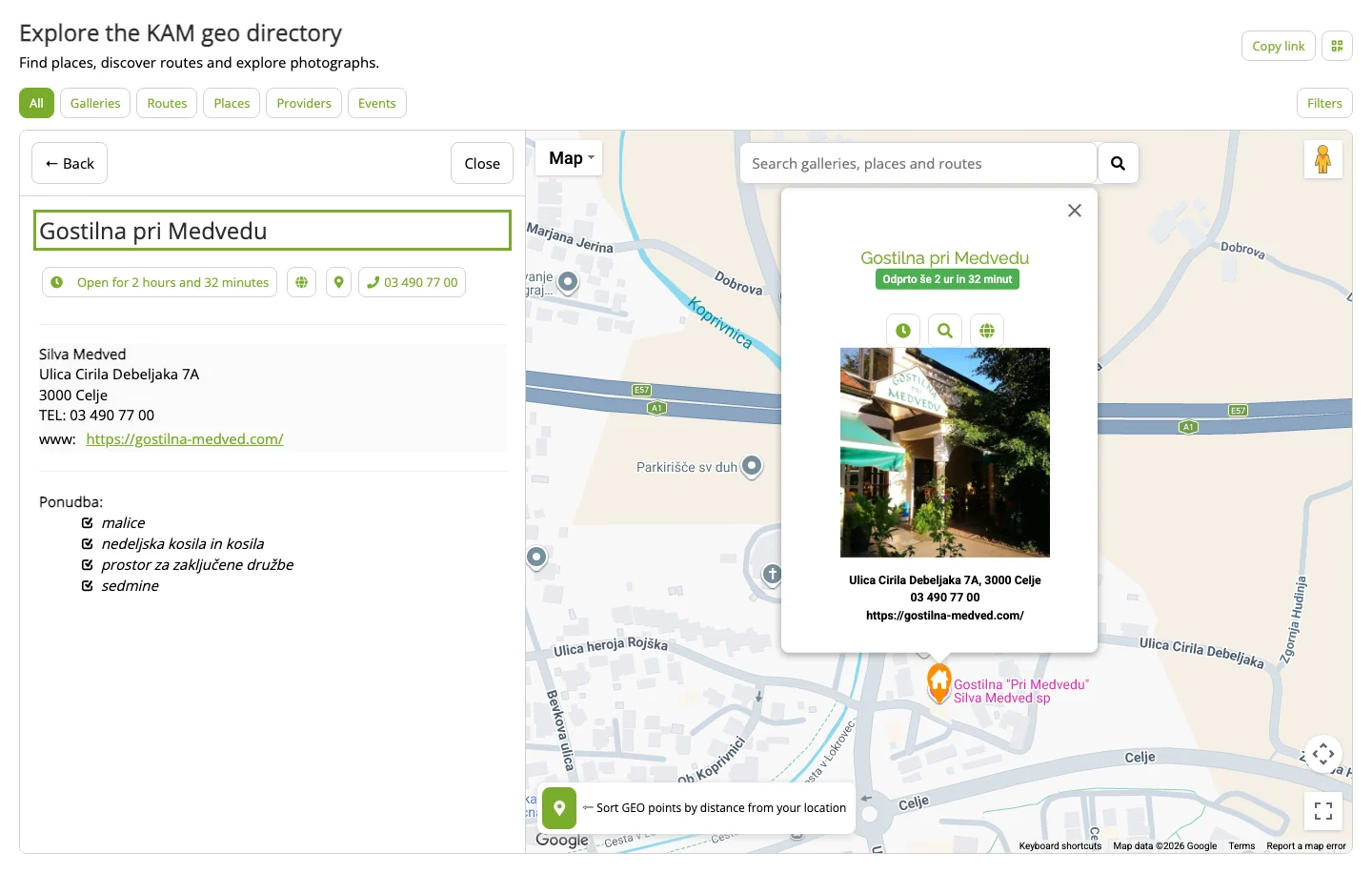
Provider markers remain on the map while you explore a gallery or route. Select one to read its description, contact details, links and published opening hours. Try Gostilna pri Medvedu when planning a stop. The details available depend on what has been published in each listing.
Find out what is happening
The Events tab brings together upcoming and ongoing events. Cards show their dates, while markers help you locate them. With this tab selected, the map shows event markers so you can focus on what is happening.
Open an event to read more and check its location. You may also find events among the connected content for a place. Past and cancelled occurrences are excluded, and the tab appears when suitable published events are available. Check the information for the individual event before visiting.
Continue on your phone or share a find
Found a route on your computer that you would like to take with you? Select the Show on phone icon and scan the QR code with your phone’s camera. The same selection opens, including your chosen content and filters.
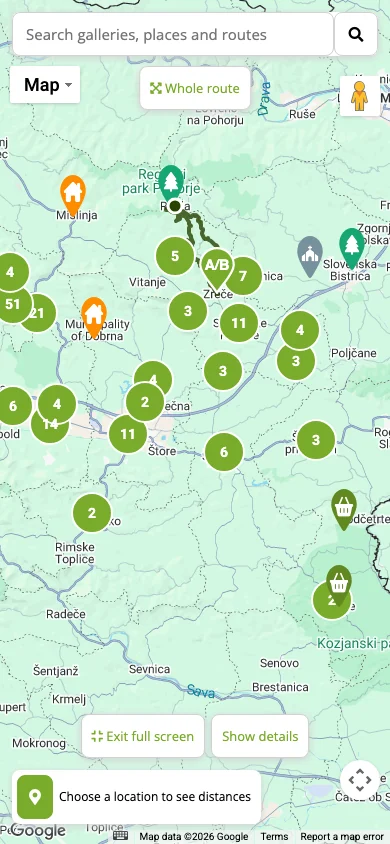
Use Copy link to send the view to friends. On your phone, switch between Results and Map, or choose Full screen for more space. Return to the details whenever you need them. You can plan at home, share a place and take your selection with you.
Where will you go next?
Open the new view, find a place that interests you and explore its surroundings. Your next photograph might lead to an idea for a day out or a welcoming stop along the way.
Try the new view ↗